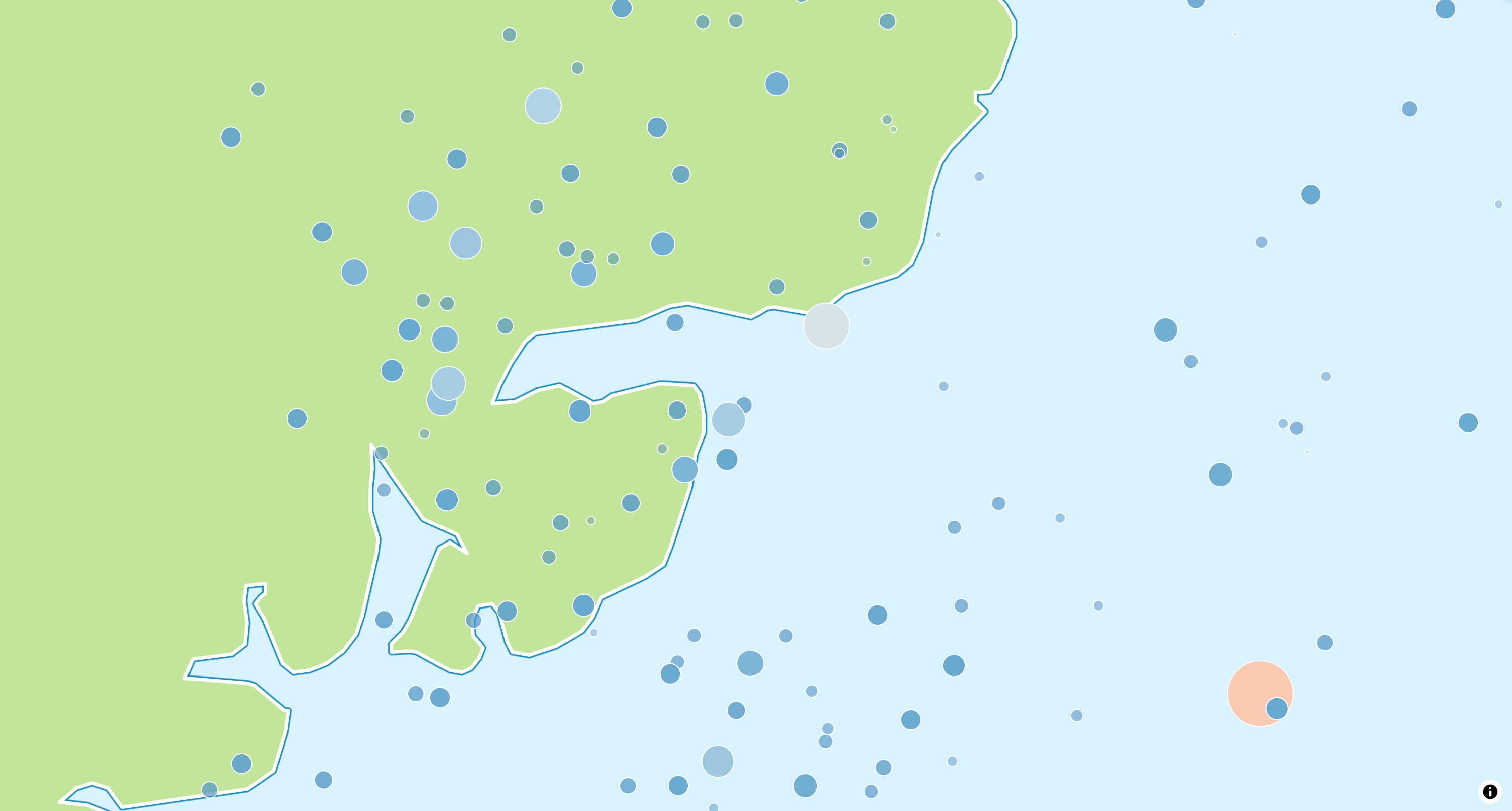
The CircleStyleLayer is either used by the map style or can be added to the map
programmatically to symbolize data on the map.
Basic Usage
1 2 3 4 5 6 7 8 910111213141516171819202122
latefinalMapController_controller;@overrideWidgetbuild(BuildContextcontext){returnMapLibreMap(options:MapOptions(center:Geographic(lon:9.17,lat:47.68)),onMapCreated:(controller)=>_controller=controller,onStyleLoaded:(style)async{// add the sourceconstearthquakes=GeoJsonSource(id:_sourceId,data:'https://maplibre.org/maplibre-gl-js/docs/assets/earthquakes.geojson',);awaitstyle.addSource(earthquakes);// add the source with a layer on the mapconstlayer=CircleStyleLayer(id:_layerId,sourceId:_sourceId);awaitstyle.addLayer(layer);});}